
Question:
How do I shade the area 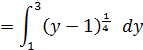
what formula should I put in? I have (y=x4+1, y=1, y=3)

Answer:
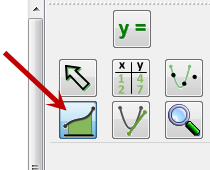
First, select the Integral Tool and sweep out an area – any area. Just click, move the mouse and release.
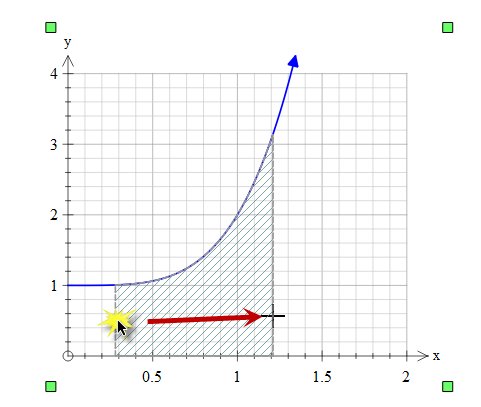
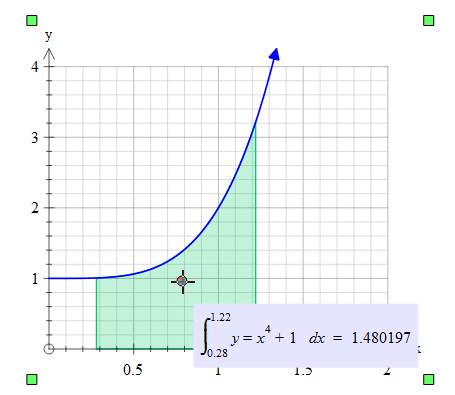
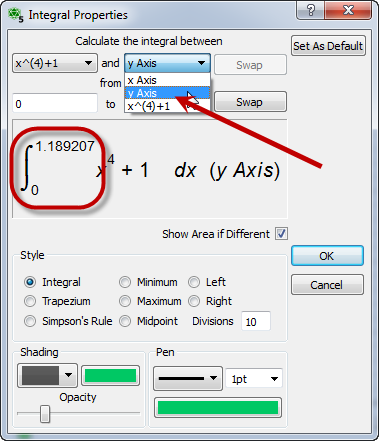
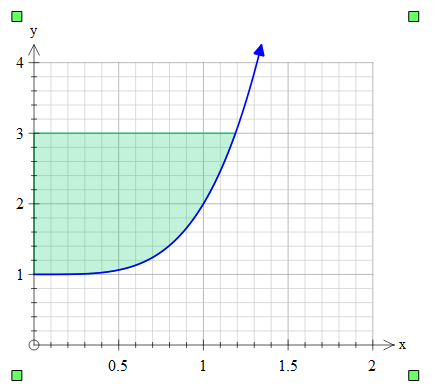
Hover over the integral and right click. Edit properties. Change the integral to be to the y axis and change the bounds of integration to be 0 to 1.189207 (x when y = 3)
ALTERNATIVELY
If you just want the area shaded and don’t care about the integral as such, you can get your original diagram and use floodfill. This is certainly the easiest option.

The black cross you will see is to show you where you clicked. It will not be shown on the exported image.
Discover more from Efofex News
Subscribe to get the latest posts sent to your email.


 Efofex News