
We have added a new feature to FX Draw. The new feature has been included in the 6.002.0 release.
You can now divide any line by adding dividing points to the line.
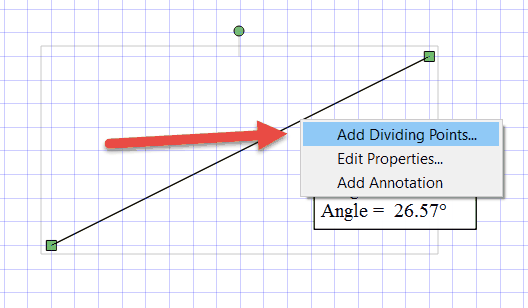
First select the line, then right click on it and choose Add Dividing Points…
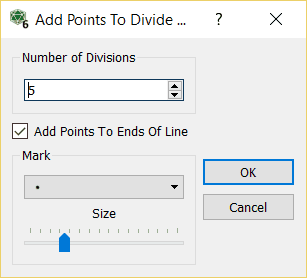
Now enter how many parts you wish to divide the line into. You can also choose to add points to the ends of the line.
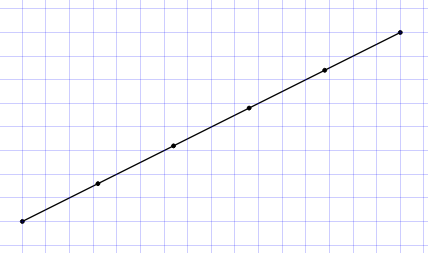
The points are attached to the line and will move with it.

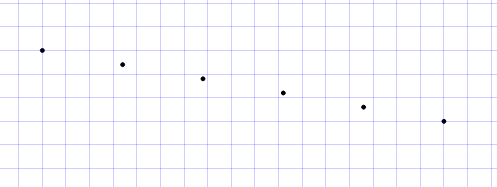
You can also delete the line and the equally spaced points will remain on the canvas.
Discover more from Efofex News
Subscribe to get the latest posts sent to your email.


 Efofex News