
FX Draw allows you to rotate selected figures by moving the rotate handle.

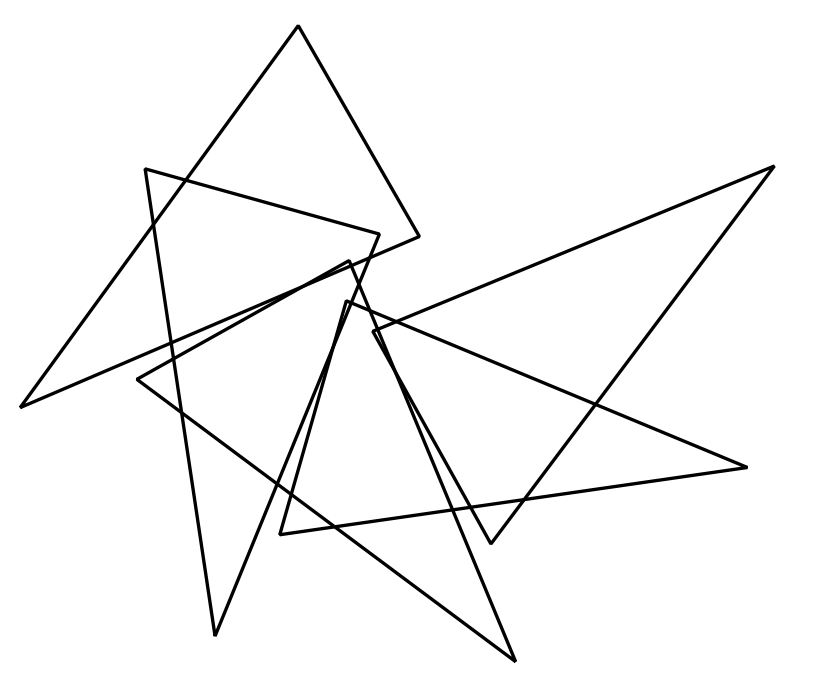
The latest version of FX Draw allows you to create rotated copies of a figure. To access this feature RIGHT-CLICK on the rotate handle.


Enter the number of copies you want to create and how much to rotate between copies. Then press OK. FX Draw will create the copies, rotate them (centred around the centre of rotation you set) and add them to your canvas.
Discover more from Efofex News
Subscribe to get the latest posts sent to your email.


 Efofex News