
Working Space/Lines
If you are creating a “write-on” paper, one of the many jobs you have to do is allow for working space/lines for your students. The early versions of FX Manifest allowed you to all “working lines” to your questions which you could either include in your published document, or not, depending on a switch.
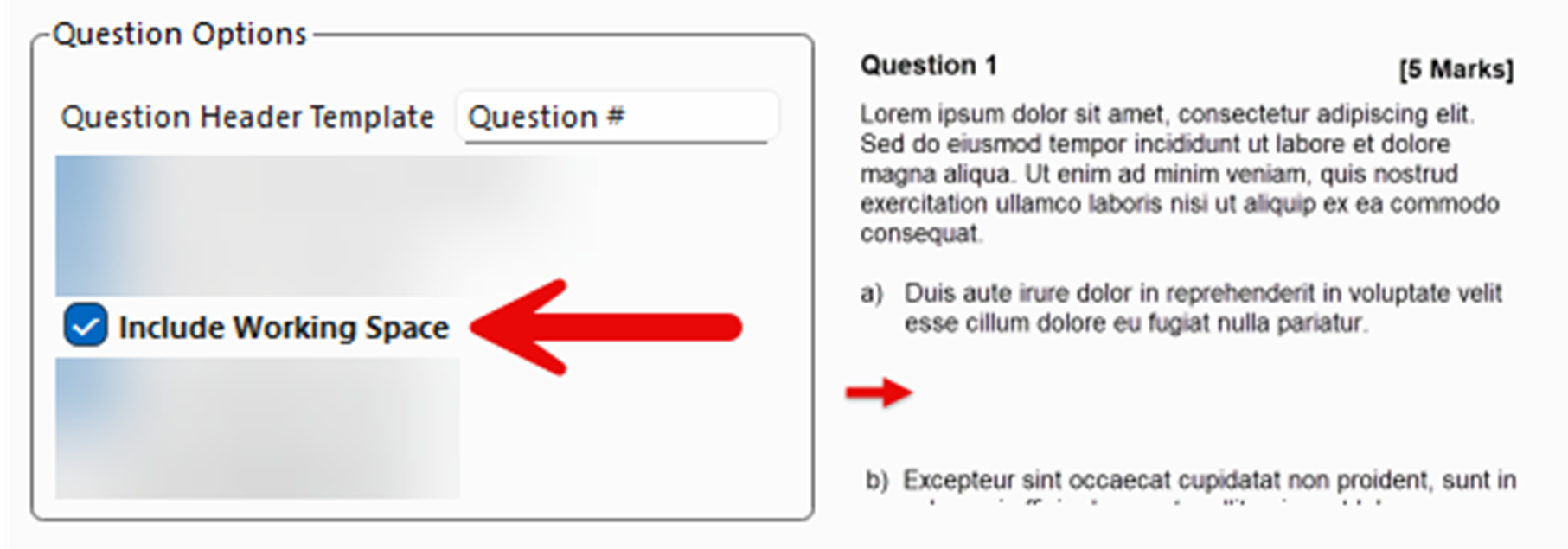
This system works well but YOU had to decide how much working space to include. The latest version of FX Manifest can do this automatically for you!
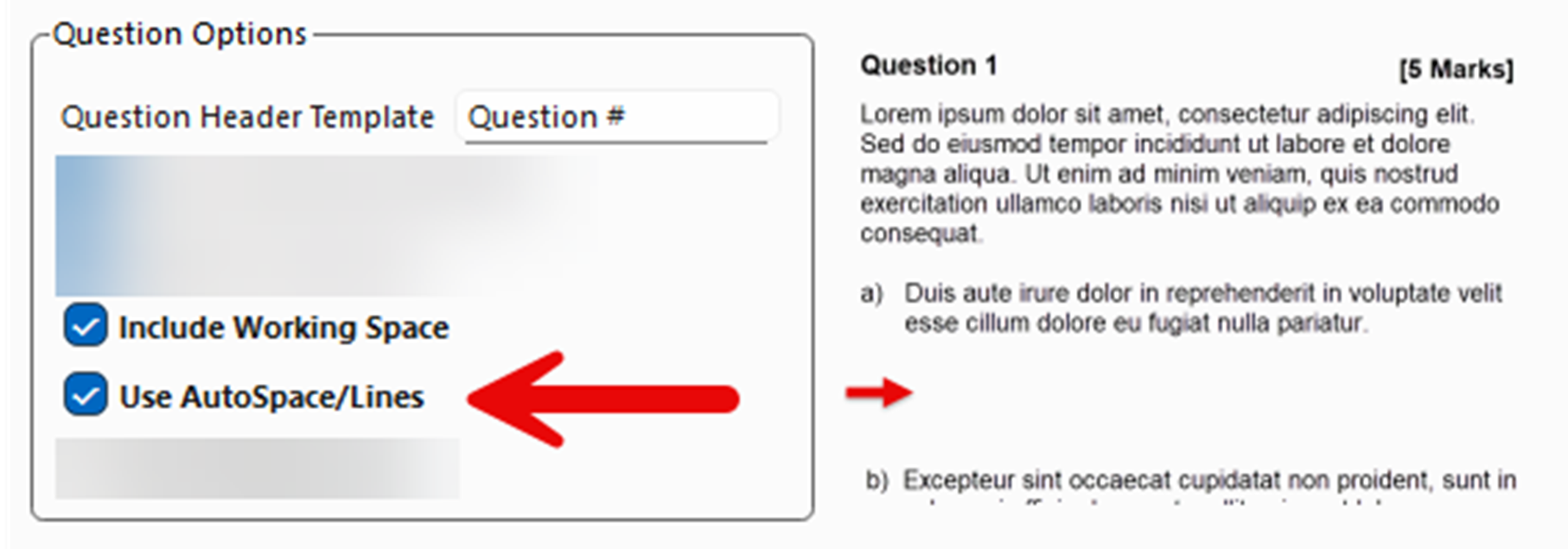
If AutoSpace is turned on, FX Manifest will now look at your solution to the question,
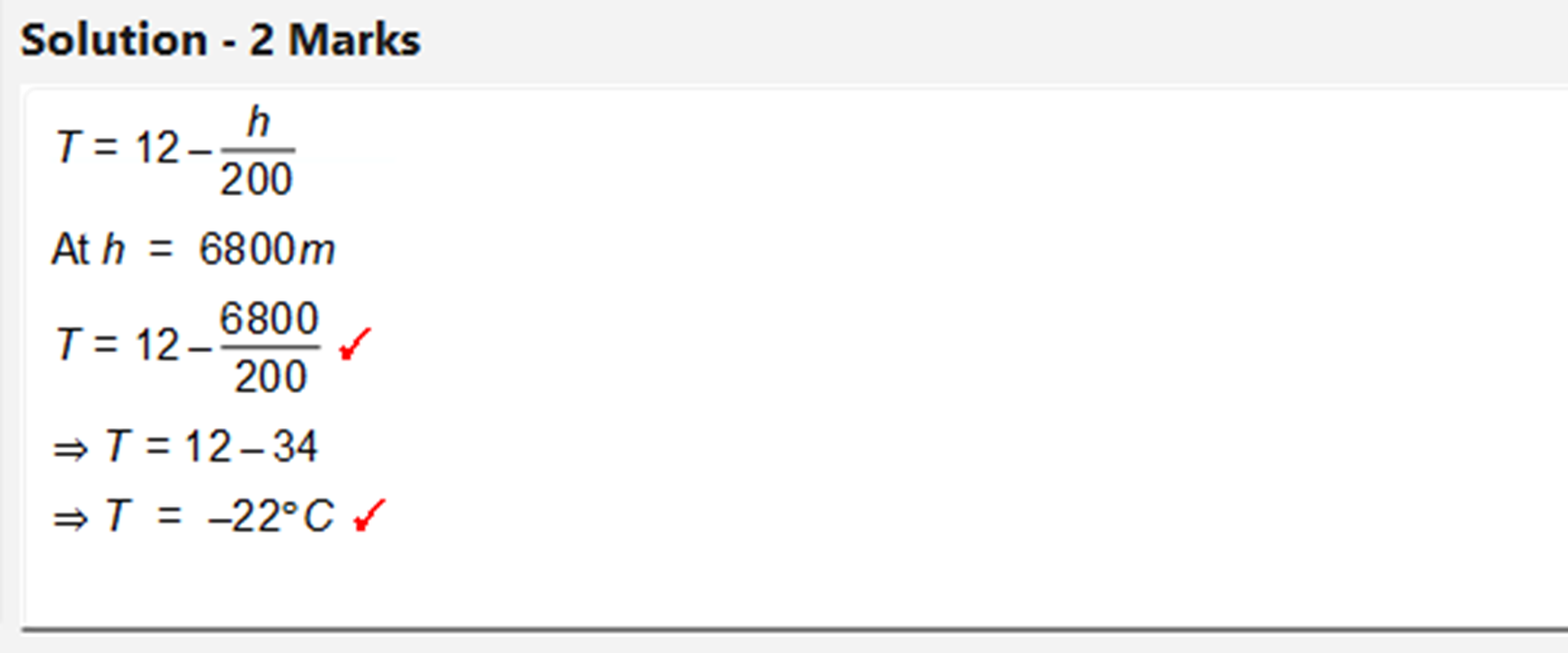
and automatically include a suitable amount of space if you include Working Space when publishing. Initial testing shows that this is easy to use and intuitive, and usually “about right”
But What If I Want More Control?
No problem! The old system still works – just manually add as many lines as you wish using the working lines button or Ctrl+W.
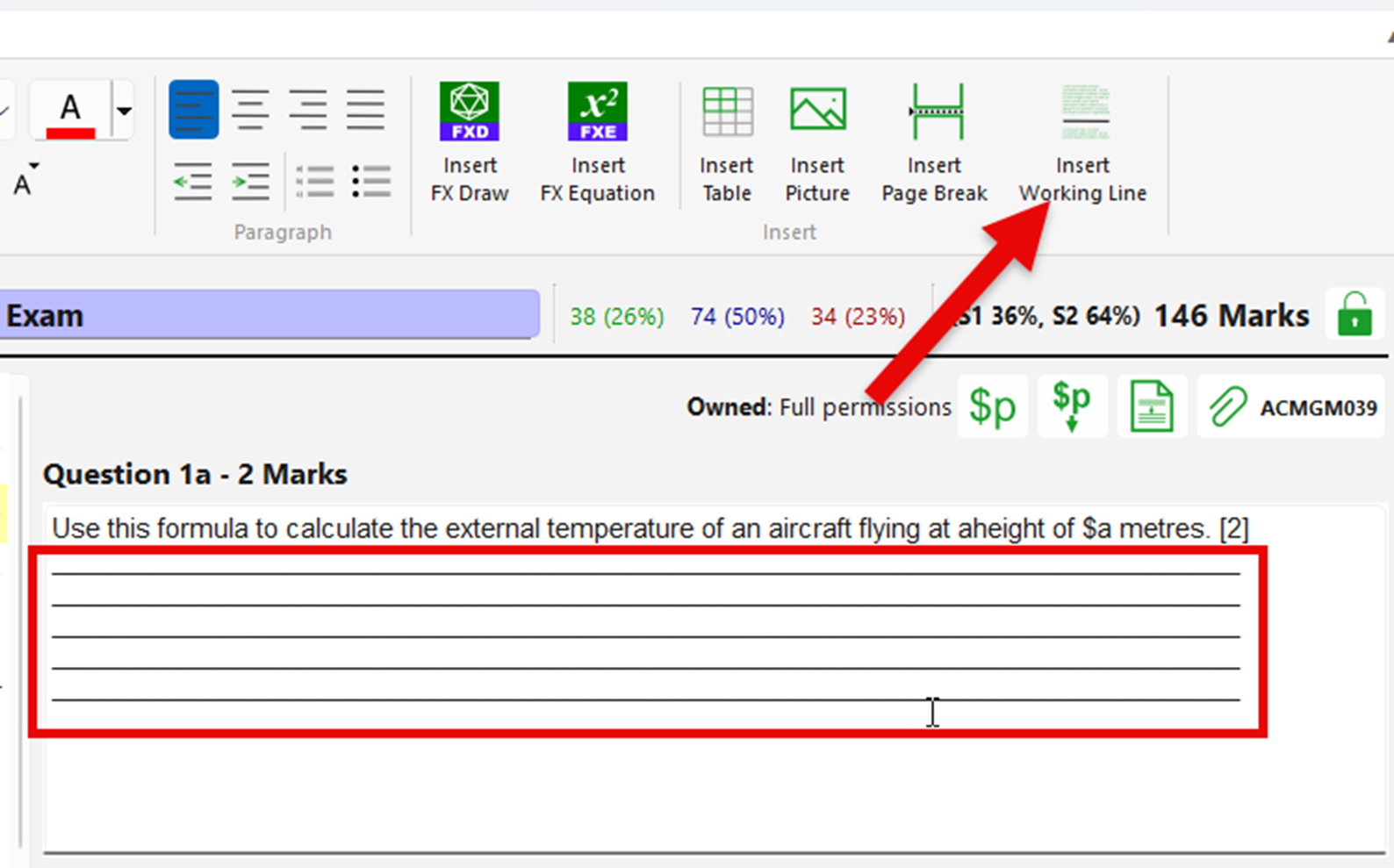
Whatever you choose will override FX Manifest’s automatic setting. You retain full control, whilst being able to leave most of the decisions with FX Manifest.
New Mini Videos
Our FX Manifest video training page has had some short, mini videos added which explain some of the more important features of FX Manifest. They are all about two minutes long and fully captioned, so you can check your understanding with minimal effort.
Discover more from Efofex News
Subscribe to get the latest posts sent to your email.


