FX Draw has been the go to drawing package for a generation of mathematics teachers and many of those teachers also used FX Draw to help them draw diagrams for science classes. Now we have made this “official”.
Today, we are officially releasing a new version of FX Draw that includes science tools. These tools are available for anyone who holds an FX Science Tools license. This has two major advantages.
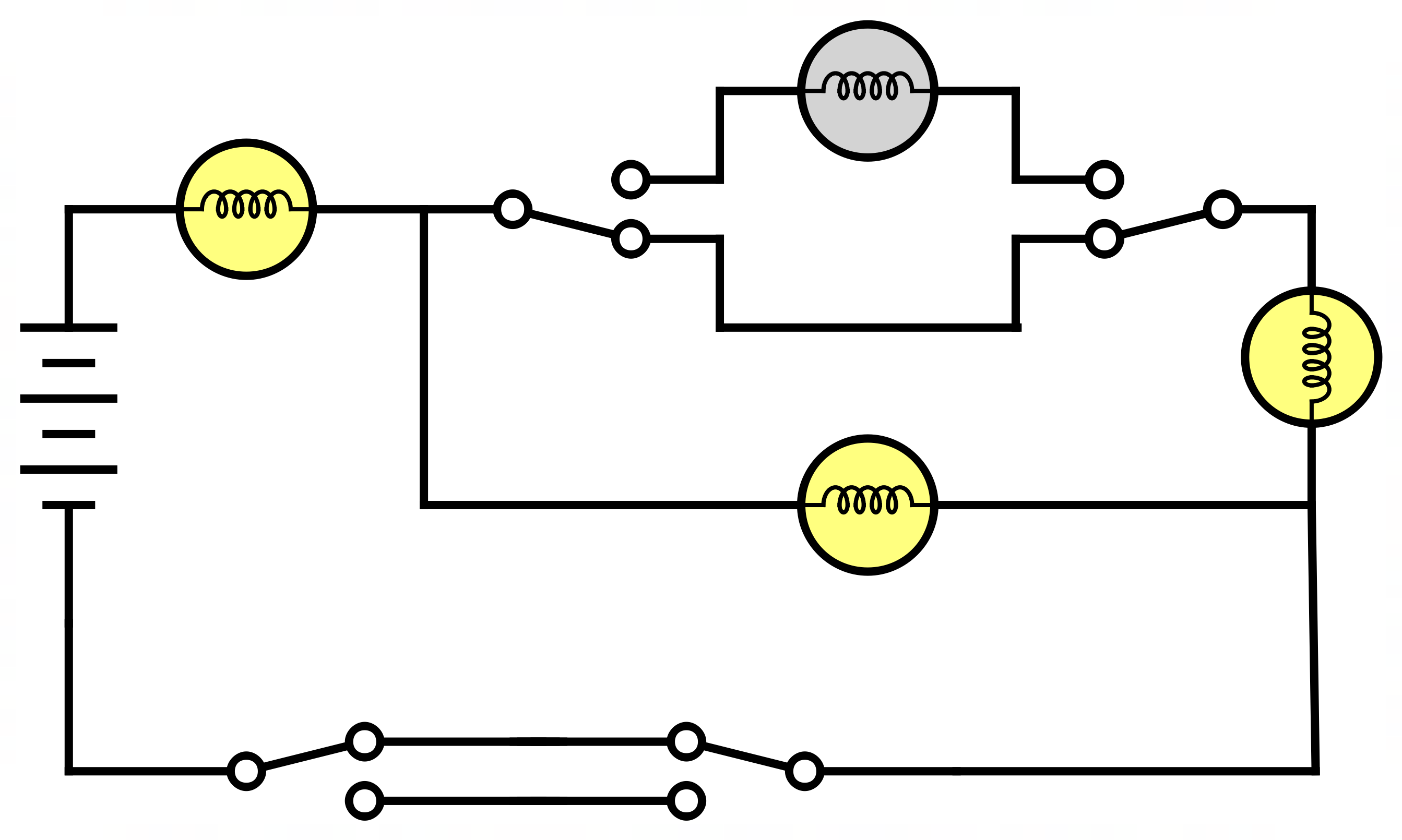
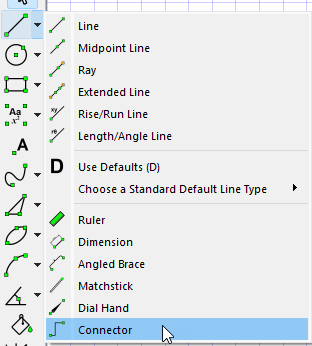
- We can now add tools that are specifically designed for science teachers. This first version includes a “spring” tool, tools to allow you to draw electrical diagrams as well as including the full feature set of FX Chem and FX ChemStruct. We have lots of plans for further tools which will appear over time.
- This allows science teachers to fully access the power of MultiDocs. Using the new versions of FX Draw and FX Equation, you can now create self-modifying science questions for use in tests, worksheets and exams.
What Will Change For Mathematics Teachers?
Nothing
What Will Change For Science Teachers?
The FX Science Tools download now includes FX Draw and this is automatically enabled if you hold a license. FX Draw is an extremely powerful drawing platform, designed specifically for teachers, that has always included tools that are useful to science teachers. Now it also includes tools specifically designed for those teachers.
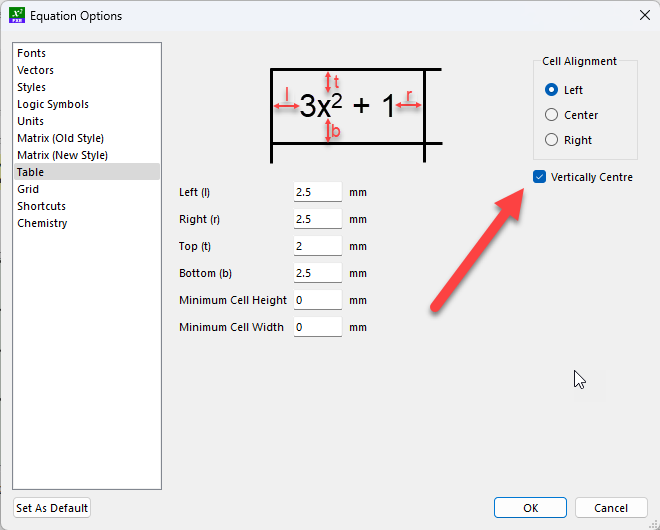
You will also note that FX Equation now includes a chemical equation context. This allows you to use FX Equation just as you would use FX Chem – but adds the enormous power of MultiDocs to the mix.
I Have An FX Science Tools License. Do I Have To Use The New Tools?
No. You can keep doing exactly what you have always done if you wish.
Will The New FX Draw Look Any Different?
Mathematics teachers will not notice any changes in their version. If they look at FX Draw on a science teacher’s machine, they will notice that there are extra, new tools available and the more “mathsy” tools are missing.
I Am Licensed For Both Maths And Science. What Will I Notice?
If you hold licenses for both FX Math Tools and FX Science Tools, all of FX Draw’s tools will be visible – maths and science. You will have instant access to about 20 new object types.
How Much Extra Is This Going To Cost?
At the moment, nothing extra. Adding science tools to FX Draw will happen over time. We understand that you have purchased FX Science Tools with the traditional set of FX Equation, FX Chem and FX ChemStruct in mind and it will take some time for you to realise the full benefits of FX Draw and MultiDocs. We will consider adjusting relative pricing over time.