If you are using Efofex Parameters, you are almost certainly using the range command.
$y=range(1, 20, 0.5)
This command will produce a random value, between 1 and 20, going up in 0.5, every time you regenerate parameters. The values that are produced might, for example, go 5.5, 7, 12, 18.5, 20, 4, 1.5… The range command is one of the main ways of adding variation to your questions.
The new sequence command works in almost exactly the same way.
$y=sequence(1, 20, 0.5)
This command will produce a value from exactly the same set of values as the previous range command. The only difference is that the numbers will be generated sequentially every time you regenerate. They values might be 17.5, 18, 18.5, 19, 19.5, 20, 0.5, 1, 1.5…
We have found this to be useful for some questions and wanted to make the facility available for everyone.
Being based in Western Australia in a COVID affected world has greatly limited the amount of professional development training we have been able to offer. We are currently working on developing Zoom and Microsoft Teams based training to address this shortfall.
To complete our development, we would like to offer some free, one hour training sessions so we can polish our processes. The free sessions are limited to Australian schools (to minimize time zone issues) and will be provided on a first come, first served basis.
So if you need to fill a training slot in the next few weeks, contact us to see if you can access some free training. The slots will fill quickly so don’t delay.
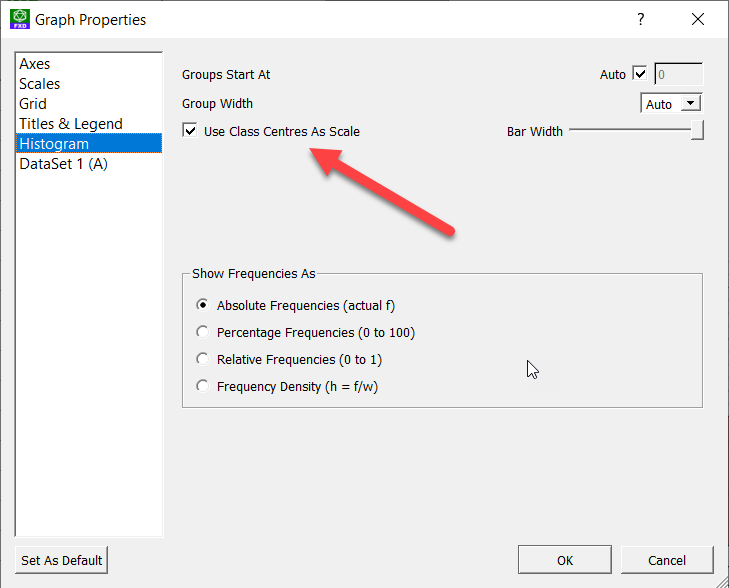
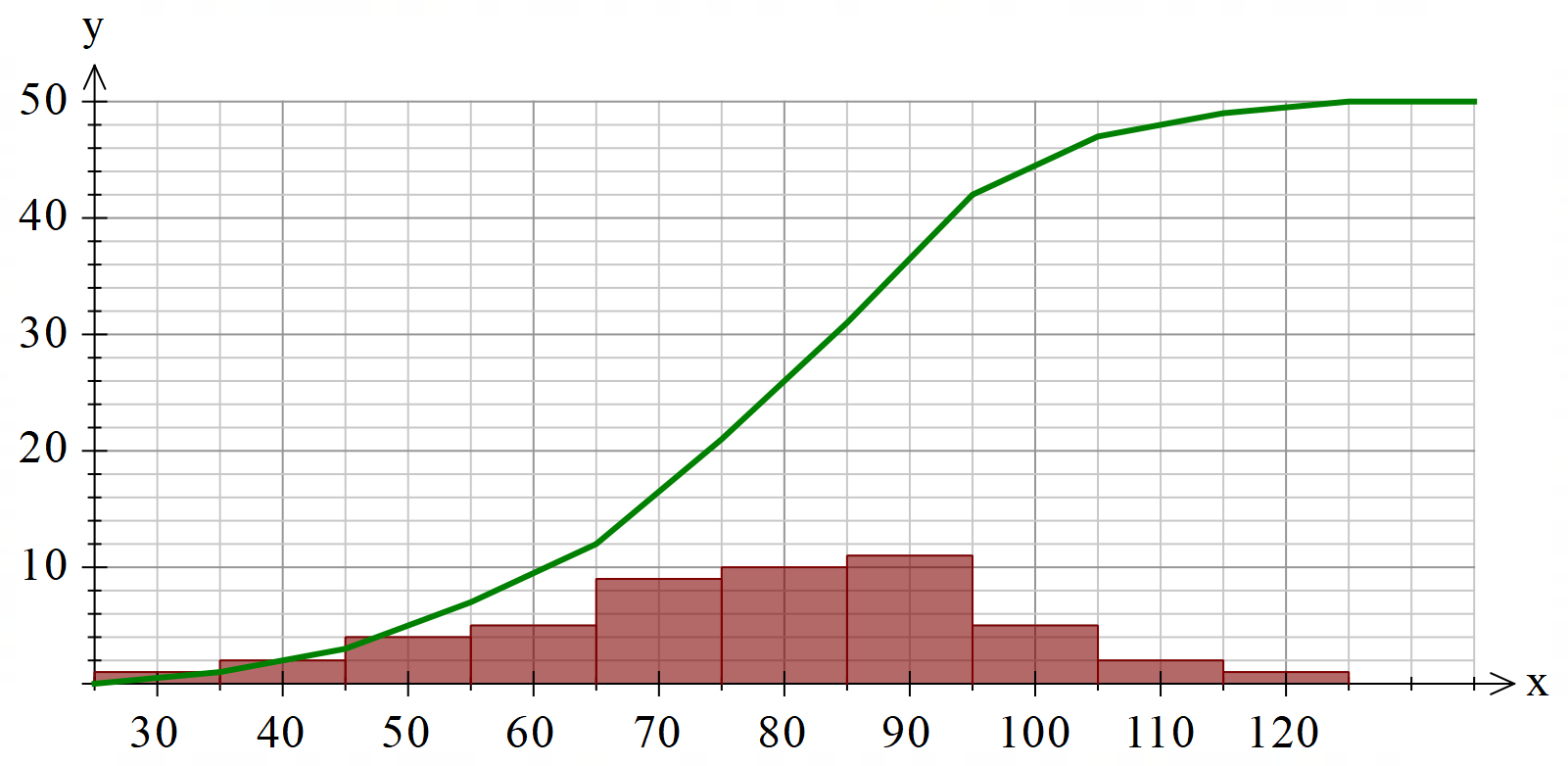
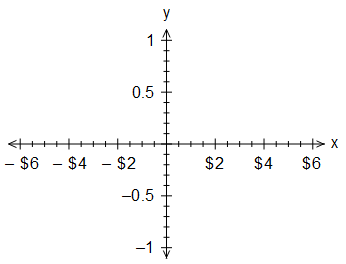
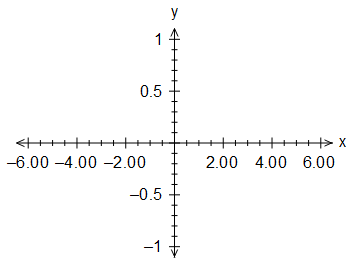
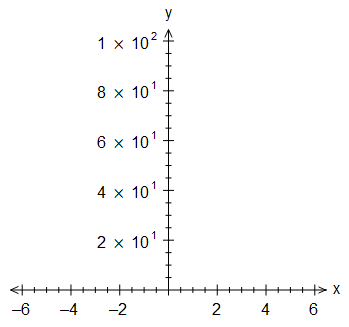
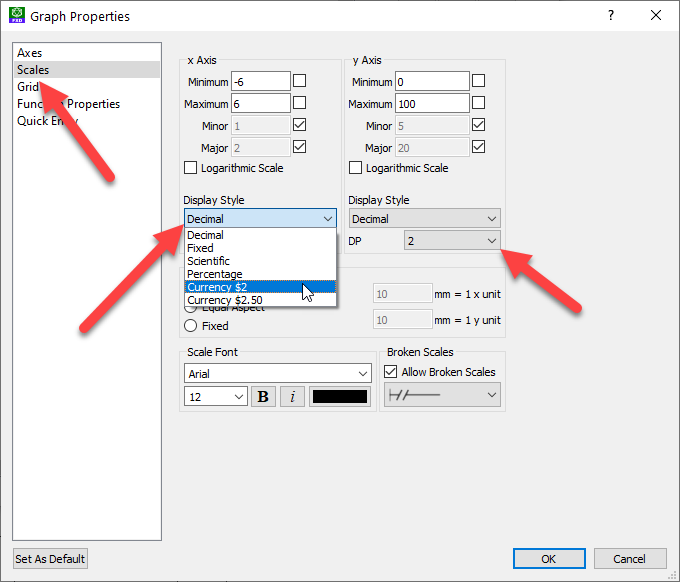
Grouped data graphs (histograms, frequency polygons and cumulative frequency graphs) now have the option of placing the class centres in the axes. This is particularly useful for NSW teachers who seem to prefer this option.
You can turn on class centre scales in the options for the affected graph types.
Long term users of our products will know that we previously had a version of this mode of graphing (it was called Use Alternative Axes). The new system is massively improved and allows you to combine cumulative frequency curves with other graphs.
This investigation looks at calculating the heights and depths of inaccessible objects.
The validation section of the investigation has been parametized to allow multiple versions to be produced.
FX Library MultiDocs provide you with prewritten materials that you can use as-is or you can use the MultiDocs features to generate new versions at will. They also provide exemplars on how to create your own MultiDocs. We recommend that you keep an eye on FX Library by pushing the Library button on our new Word toolbar.
We recently uploaded some new probability questions to FX Library, and the development of one of them is indicative of the power of Efofex Parameters.
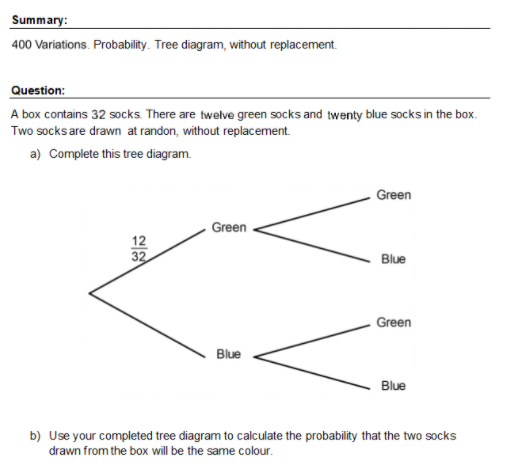
It all started when we developed a simple tree diagram question about different coloured socks in a box. It is exactly the standard sort of question that is perfect for MultiDocs as a push of a button produces one of the 400 available variations.
You can find this document in FX Library or through this direct link.
Something Interesting
A basic rule of developing MultiDocs is “Regenerate, Regenerate, Regenerate”. Regenerating quickly shows up flaws in the question design and is a crucial tool to developing these questions. As we regenerated this question, we noticed something unexpected – the answers were much more likely to be one side of 0.5 than the other. We have often found this while developing MultiDocs – the process of designing questions that can self modify can lead to a much deeper understanding of the topics.
In this case, that deeper understanding lead to the development of an interesting investigative activity which starts like this.
There is actually quite a lot of mathematics going on behind this with a few interesting results!
You can find this activity in FX Library or using this direct link. As with all FX Library materials, subscribers can use the documents in their teaching with almost no copyright concerns.
FX Library is a growing library of materials that you can use directly in your teaching or as a source of exemplars for your own questions.
MultiDocs are a new, incredibly powerful way to use Efofex products but they can be challenging to write. FX Library is a collection of pre-written MultiDocs that you can use in two ways.
As a subscriber, you can download documents from the library and use them immediately, either as standalone documents or copying questions from the documents into your own materials.
You can also use FX Library documents as exemplars on how to write questions with Efofex Parameters.
When you visit FX Library, you will see the following:
The FX Library Screen
Search the database of documents using key words.
Take note of the number of variations available for that document. These range from 1 (for documents which do not include parameters) up to 100 000. Actually, many documents have literally billions of variations available – we just set the maximum at 100 000.
When you select a line in the database, the page will load the document into a viewing window.
If you are happy with the document, download it to your computer and start using it.
Accessing FX Library
The easiest way to access FX Library is from the Word toolbar. This will take you directly to the page on our site. You can also visit it here.
The FX Library Button
Copyright?
Subscribers can use the materials in FX Library with almost no restrictions. You can find more information here.
The Future
At the moment, FX Library contains about 60 documents. These make great exemplars so you can see just how to use Efofex parameters. Over time, the number of documents will expand greatly and our goal is to make FX Library a comprehensive source of mathematical materials that you can use to create your own, incredibly versatile MultiDocs
In recent months, Efofex has introduced two powerful new technologies.
Our New Toolbar
Cross-platform, faster, more powerful… what’s not to like about the new toolbar. Even if you want to keep using our products as you always have, the new toolbar makes this faster, more reliable and easier to share.
You can find more information on installing and using the new toolbar here.
Efofex Parameters
Parameters are a powerful addition to Efofex products that allow you to create equations and graphics that can modify themselves in a mathematically consistent way. This allows you to create objects that can have multiple versions.
Using objects based on parameters is easy, particularly from within Word (using our new toolbars). You can find more information on this here.
Creating objects which use parameters is more of a challenge. We have created comprehensive (and constantly expanding) documentation to help you with this IF YOU CHOOSE TO CREATE. You can find this information here.
MultiDocs
These two new technologies combine to produce MultiDocs. So what are MultiDocs?
MultiDocs Are Just Word Documents
The only difference is that any included Efofex drawings and equations can be be made to be self-modifying. You can write questions that “change the numbers” at a push of a button. You write ONE question (and even a solution) but have access to multiple variations. In fact it is fairly easy to create documents that can transform themselves in billions of different ways!
One Document. Multiple Versions. That’s a MultiDoc.
Incredibly Flexible
MultiDoc creators have access to all of the power of FX Draw and FX Equation. Just about every aspect of diagrams and equations can be made modifiable. The options are almost unlimited.
Alternatively, you can just keep using Efofex products to create mathematical documents as you always have. You don’t HAVE to learn anything unless you want to.
All The Power Of Word
MultiDocs Are Just Word Documents. All the power and flexibility of Word can be applied to MultiDocs. You get to use a product you know well in a new, more powerful way.
Accessible For Everyone
FX Draw and FX Equation are specialized tools that do a complicated job. Many teachers can not find the time to learn how to use them to their full potential. MultiDocs put that power into a format that is accessible to everyone. You can use a MultiDoc to create a new version of a test, worksheet or exam without knowing how to use our specialized products.
So What Next?
To use MultiDocs, you need to access and install the latest versions. You can find more information here.